



1. Understand Your Brand Identity
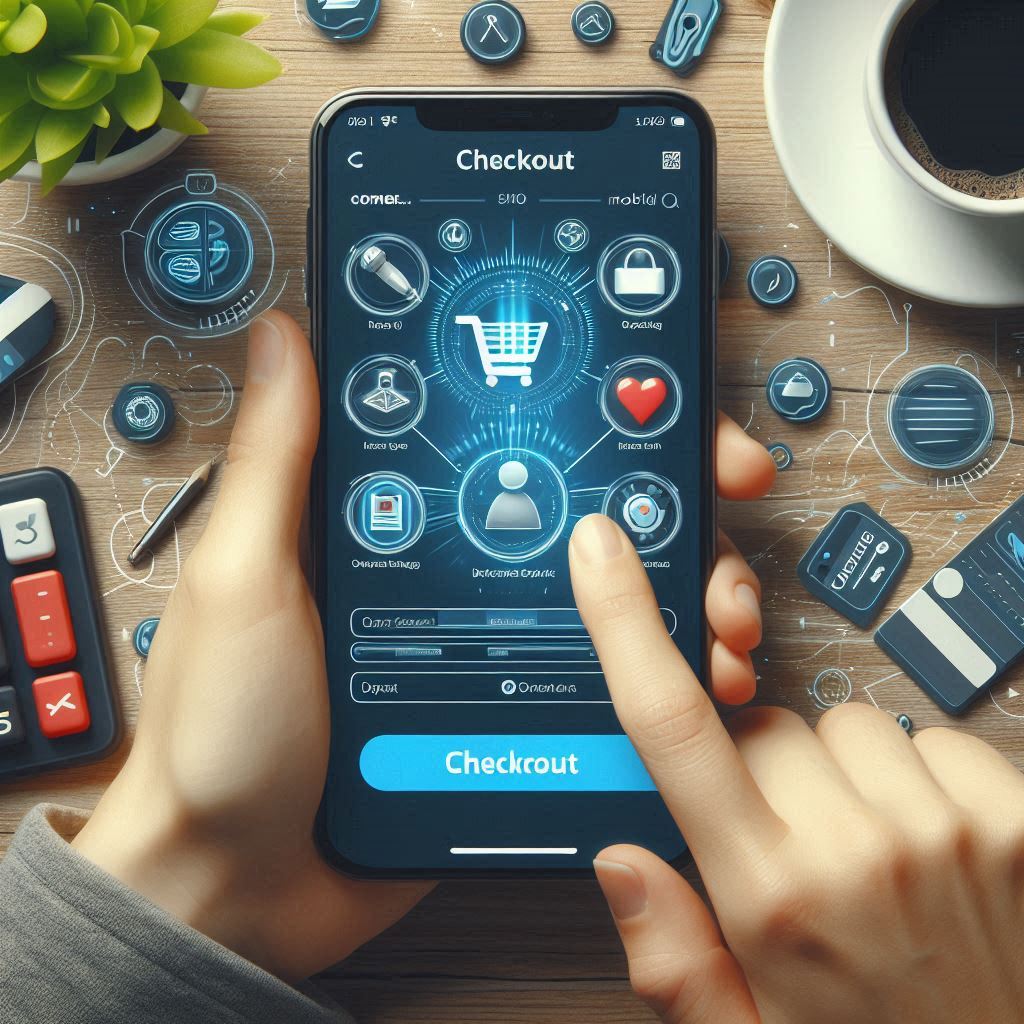
Before diving into customization, ensure you have a clear understanding of your brand identity. This includes your brand’s colors, fonts, tone of voice, and overall design philosophy. Your payment gateway checkout page should reflect these elements to create a cohesive brand experience.
Key Elements to Consider:
- Color Palette: Use your brand’s primary and secondary colors to design the checkout page.
- Fonts: Implement the same fonts used in your other branding materials.
- Imagery and Icons: Incorporate brand-specific images or icons to enhance visual appeal.
2. Choose the Right Payment Gateway
Select a payment gateway that offers customizable options. Not all gateways are created equal, and some provide more flexibility in terms of design and integration. Popular options with robust customization features include Stripe, PayPal, and Adyen.
Important Features to Look For:
- Customizable Checkout Templates: Allowing you to tweak the design to match your brand.
- Integration Capabilities: Ensuring compatibility with your existing systems and website design.
- Mobile Responsiveness: Ensuring the checkout page looks good on all devices.
3. Customize the Checkout Page Design
Once you have chosen a suitable payment gateway, focus on customizing the checkout page design. This can typically be done through the payment gateway’s admin interface or through custom code if needed.
Design Customization Tips:
- Add Your Logo: Place your logo prominently to maintain brand visibility.
- Match Color Schemes: Use CSS or the gateway’s design tools to apply your brand’s colors to buttons, backgrounds, and text.
- Consistent Typography: Ensure that the fonts used on the checkout page align with those used on your main website.
4. Optimize the User Experience
A seamless and intuitive user experience is vital for reducing cart abandonment rates. Customize the checkout process to make it as user-friendly as possible.
UX Optimization Strategies:
- Simplify Forms: Only ask for essential information to reduce friction.
- Provide Clear Instructions: Use concise language and offer tooltips or help icons.
- Ensure Mobile Compatibility: Test the checkout process on various devices and screen sizes to ensure it functions smoothly.
5. Implement Branding Elements
Incorporate additional branding elements to create a more engaging and personalized experience. This can include:
- Custom Thank You Pages: Design a thank you page that aligns with your brand and provides a clear call-to-action.
- Order Confirmation Emails: Customize confirmation emails with your branding, including your logo and brand colors.
- Custom Payment Icons: Use brand-specific icons or illustrations to enhance visual appeal.
6. Test and Iterate
Before fully launching your customized checkout page, conduct thorough testing to identify any issues or areas for improvement.
Testing Checklist:
- Functionality Testing: Ensure that all payment options work correctly and that there are no bugs.
- Cross-Browser Testing: Verify that the page displays correctly across different web browsers.
- User Testing: Gather feedback from actual users to identify any usability issues or areas for enhancement.
7. Monitor and Analyze Performance
After launching the customized checkout page, continuously monitor its performance to gauge its impact on your sales and user experience.
Metrics to Monitor:
- Conversion Rates: Track how the customized checkout affects conversion rates.
- Abandonment Rates: Observe if there is a decrease in cart abandonment.
- Customer Feedback: Collect feedback to understand how users perceive the new checkout experience.
Conclusion
Customizing your payment gateway checkout page to match your brand is a strategic move that can enhance user experience, build trust, and potentially boost conversion rates. By aligning the design with your brand identity, optimizing for usability, and continuously monitoring performance, you can create a cohesive and effective checkout experience that resonates with your customers.