


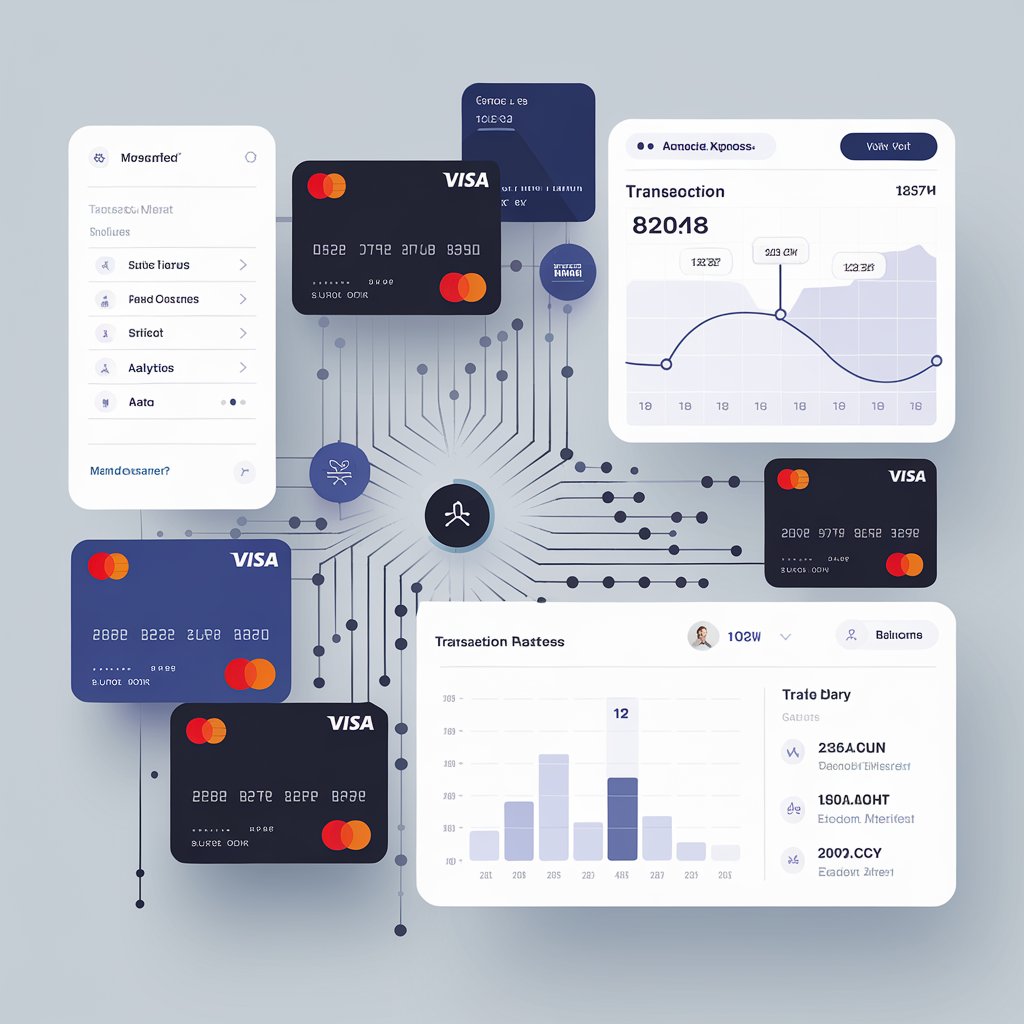
Setting up online payments for your store is essential in today’s digital landscape, allowing you to reach a broader audience and improve the convenience of transactions for customers. Here’s a step-by-step guide to help you implement a reliable, secure, and efficient payment system for your e-commerce store.
- Understand Your Business Needs
Start by analyzing your business model and target market. Are you a small retail business, a subscription-based service, or a marketplace? Different business types may require various payment features, such as recurring billing or multi-currency support. Also, consider your customer’s preferred payment methods—credit/debit cards, digital wallets, or direct bank transfers.
- Choose a Payment Gateway Provider
A payment gateway processes transactions by securely transferring payment information between the customer, merchant, and bank. Select a provider based on:
- Fees and Costs: Compare fees for setup, monthly maintenance, transaction processing, and international payments.
- Supported Payment Methods: Ensure the provider supports your customers’ preferred payment methods.
- Security Compliance: Look for a PCI-DSS-compliant gateway with encryption, tokenization, and fraud detection.
- Ease of Integration: Choose a gateway that integrates easily with your store’s platform (e.g., Shopify, WooCommerce).
Popular options include Stripe, PayPal, Square, and Authorize.Net, each with strengths in user-friendliness, security, and international reach.
- Configure Your Store’s Payment Settings
Many e-commerce platforms have built-in options for integrating payment gateways. Depending on your platform, you can either connect through pre-built plugins or custom API integrations. Follow these steps:
- Link Your Gateway: Enter your gateway API keys and credentials in the platform’s payment settings.
- Enable Multiple Payment Options: Increase conversion rates by allowing various payment methods (credit/debit cards, digital wallets, BNPL).
- Test Payments: Before going live, run test transactions to ensure the gateway functions correctly and troubleshoot any issues.
- Implement Security Measures
Ensuring secure transactions is crucial for customer trust and regulatory compliance. Common measures include:
- PCI-DSS Compliance: Follow PCI-DSS guidelines to securely handle and store card data.
- SSL Certificates: SSL encrypts data transferred between your store and the customer’s browser, ensuring information security.
- 3D Secure and 2FA: Enable additional layers of security like 3D Secure (for Visa and MasterCard) and two-factor authentication for sensitive transactions.
- Customize Checkout for User Experience
A smooth, optimized checkout process minimizes cart abandonment. Key elements to optimize include:
- Streamlined Layout: Reduce the number of fields in checkout forms for a quicker experience.
- Guest Checkout Option: Allow customers to complete purchases without creating an account.
- Mobile Optimization: Ensure the checkout is mobile-friendly, with larger buttons, autofill options, and easy navigation.
- Set Up Payment Notification and Tracking
Set up transaction notifications to stay informed of payment statuses and possible issues. Payment gateways often have features for sending automated email receipts and SMS notifications, keeping customers informed of successful payments, refunds, or failed attempts.
- Integrate with Analytics: Use data insights to track transaction metrics, including conversion rates, failed payments, and checkout times.
- Reconciliation Tools: Use reconciliation tools to match online transactions with bank deposits, helping maintain accurate records and streamline bookkeeping.
- Provide Customer Support for Payment Issues
Equip your support team to address common payment issues, such as failed transactions, card declines, and refund requests. Clear and prompt support can significantly improve customer experience, boosting loyalty and satisfaction.
Conclusion
Setting up online payments for your store involves choosing the right payment gateway, optimizing for security, and streamlining the checkout process. A well-planned setup not only enhances customer experience but also increases conversion rates and revenue. By implementing these steps, you can provide your customers with a seamless and secure payment experience that builds trust and drives sales.